

Live demo
template-volt.vercel.app
Source code
letsopencals/template-volt (MIT)
Deploy to Vercel
One-click deploy
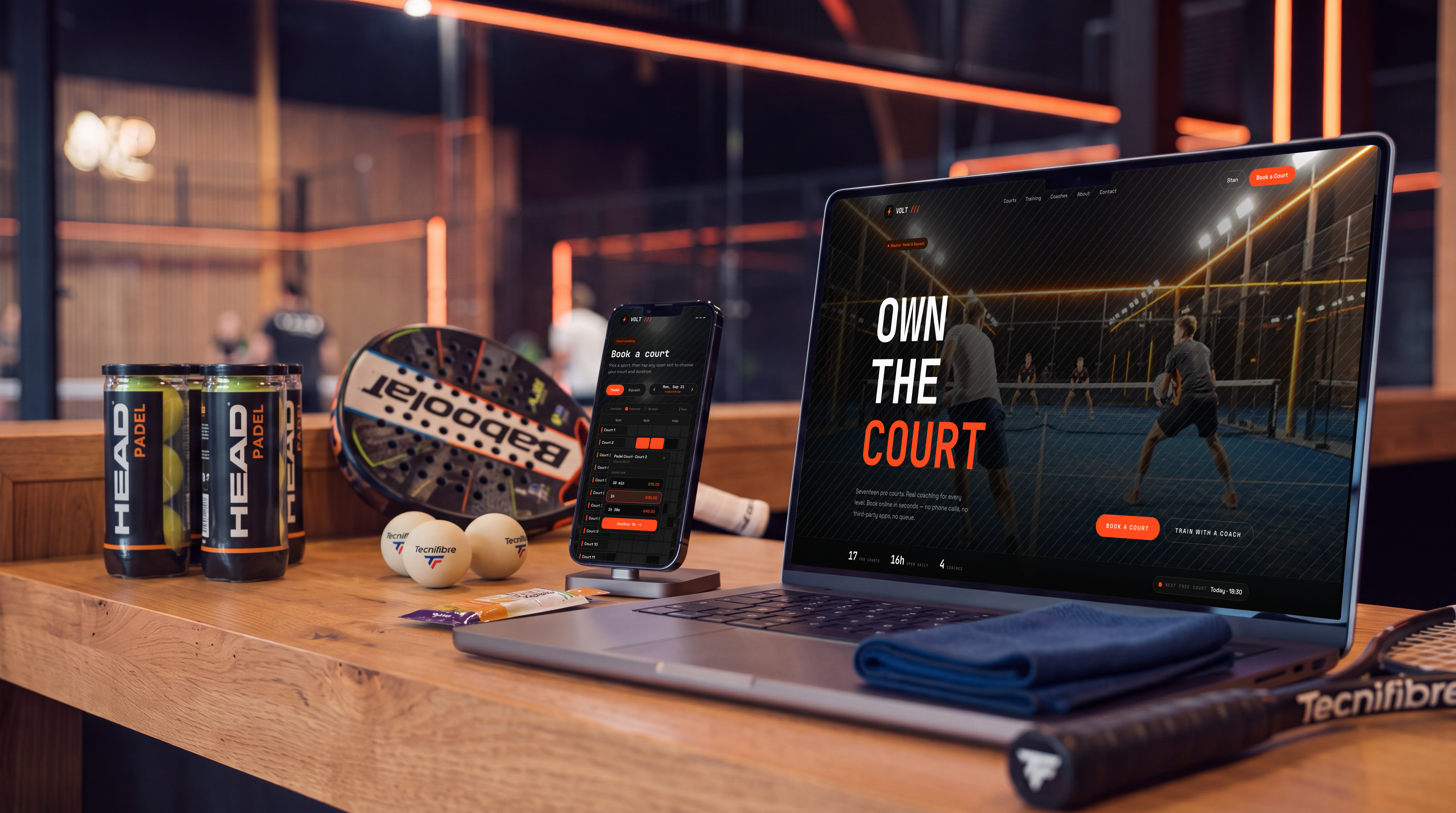
VOLT — the storefront and booking flow, on desktop and mobile
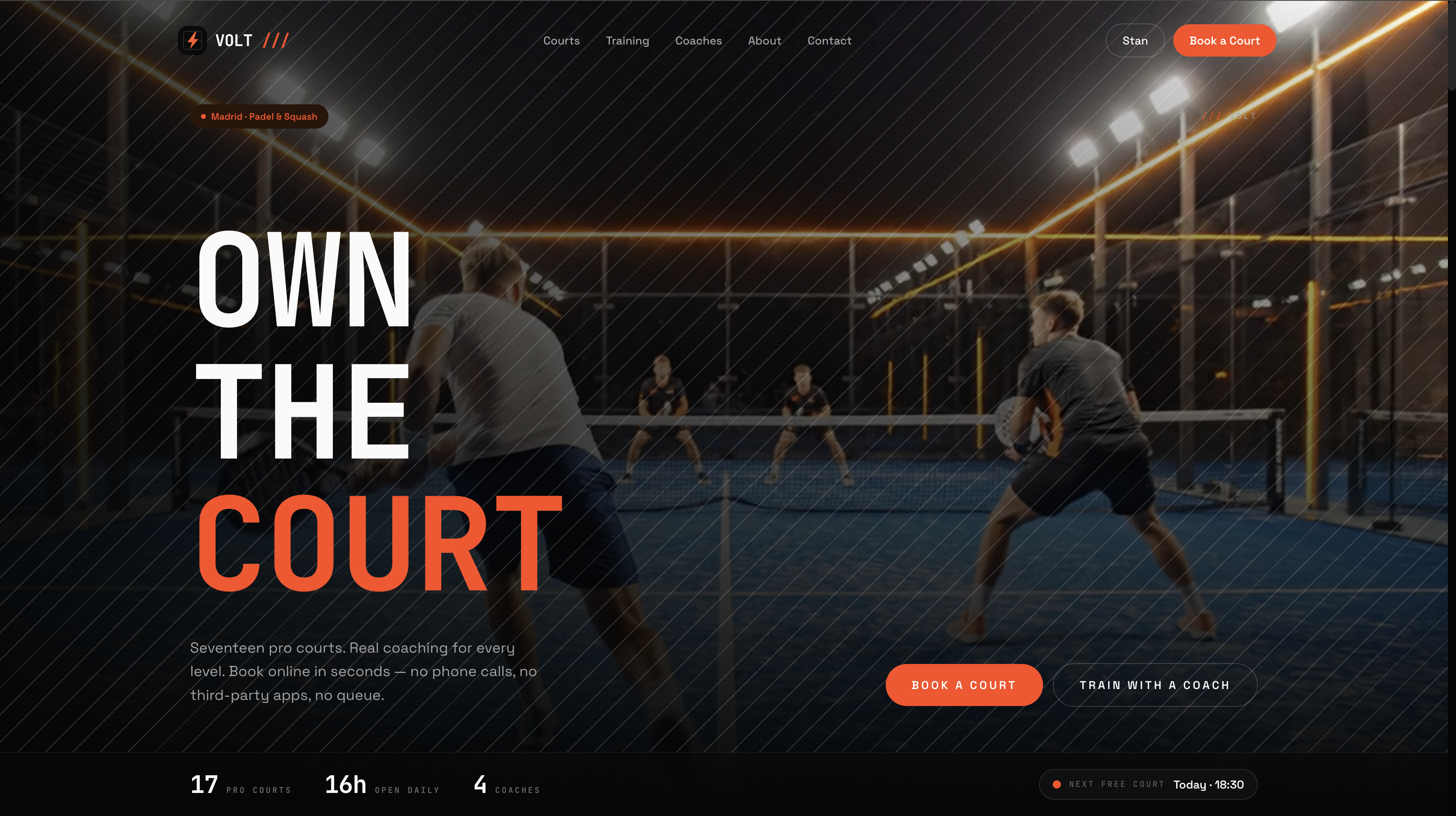
Homepage hero — full-bleed and sport-first
Club-first court booking
Players don’t look for a court in four cities at once, so/book starts from
one club: the one in the link, the one this browser remembers, or the
nearest one (“Near me” uses each location’s coordinates). New visitors pick
from photo cards that show each club’s soonest free court. The club’s page is
full screen, with two views over the same live data:
- Hall map. Every court from above, doubles wide and singles narrow, lit for one start time: free, free within the hour, free later, or taken for the day. Drag the time bar (its bars count free courts per half hour) or tap a quick time. “Book 19:30” takes the best free court and falls back to the next if it goes; tapping a court lists its own free starts.
- Grid. Courts down the rows, half hours across, a now-line, and a duration popover pricing 30 / 60 / 90 / 120 minutes from the cell you tap.
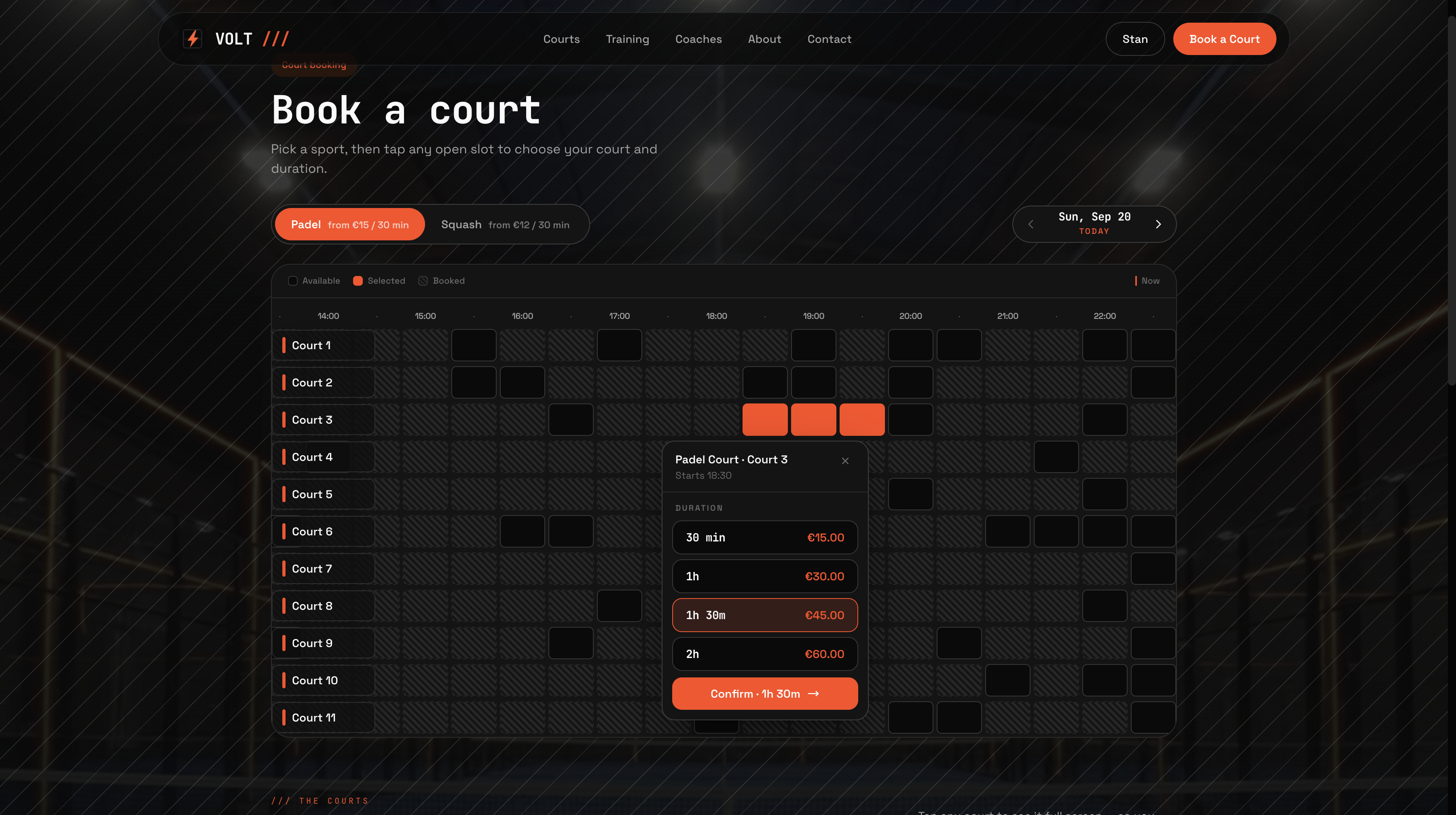
Book a court — every court and open slot on one grid, with a live-priced duration popover
One request per club
A court is its own resource, so availability is per court. Instead of asking for every court on every day from the browser, a server route (/api/clubs/[locationId]/availability) reads each court’s merged free
ranges for the whole booking window once
(getCurrentAvailabilitiesMerged with no date), caches each court for 60
seconds, and drops the cache after a booking, cancel or reschedule. The browser
computes the hall map, the grid, the pulse and every “free from” from those
spans, so switching day, length, sport or view makes no API calls.
Crew, kit and the match ticket
Checkout is one flow for courts and training: numbered steps that fold up as you go, beside a sticky match card with the running total and hold timer. Courts go court → crew → kit → details → payment: name up to three players (an email invites them as appointment guests, and the card shows each player’s share), add rackets or balls from the store’s add-ons, then pay by card or at the club. After checkout,/thank-you shows the match ticket: the court from above
with a spot per player (doubles, singles or squash), day, time, length, booking
reference, kit and a countdown, plus a calendar file, directions, “Before you
play”, “Getting there” and “Same time next week?”. The account keeps every
game at every club: stats, the next game as a ticket, past games with “Book
again”, crew invites, change time and cancel.
Coach-led training
Lessons and classes, per club. Filter the catalog by club, sport, level (Starter → Advanced) and format (1-on-1 or group), then book through the same flow: level, club, coach (or “Any coach”), day and start. Group classes show live “N left” capacity and let you book more than one place.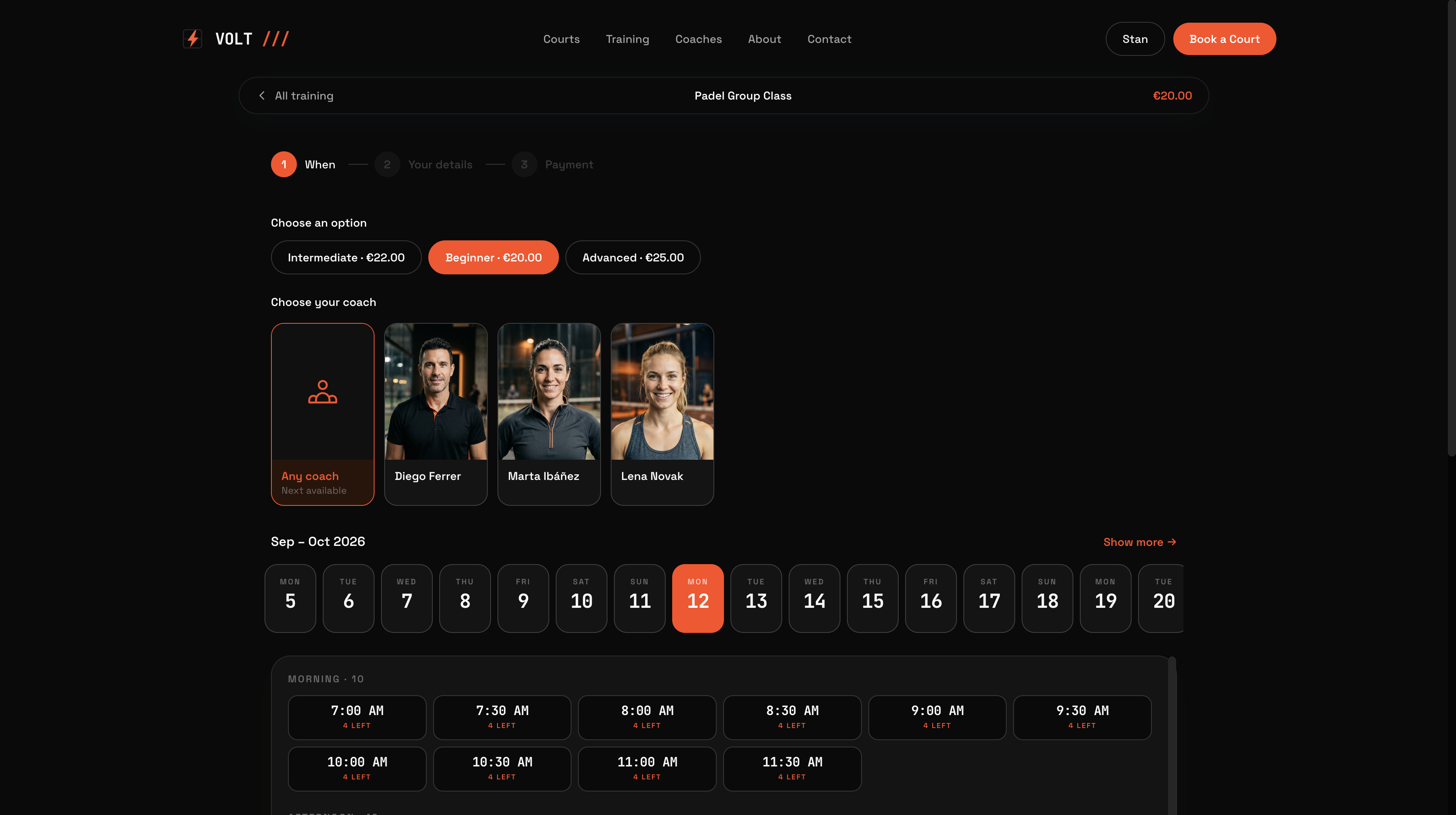
Training booking — level, coach, date and time, with live remaining capacity
Two resource models, one store
This is the part worth copying even if you never ship VOLT itself.
A singles court is marked in its variant title (
Court 7 · Singles), and sports
come from collections (padel-courts, squash-courts), so adding a sport or a
club is a data change.
Orders and appointment detail read naturally either way, so nothing downstream
has to decode a court that was faked as a staff member.
What’s inside
Get started
1
Clone and install
2
Add your API key
Create a store in the Opencals dashboard — choose the
VOLT Padel & Squash dataset preset to seed four clubs with their courts,
coaches, training classes and add-ons — then grab a private storefront key (
spk_, see
API keys) and set OPENCALS_API_KEY and
AUTH_SECRET in .env.3
Run it
4
Deploy
Push to your own repo and
deploy to Vercel,
or host anywhere Next.js runs.
Set Storefront Base URL in your dashboard (Settings → API) to your
deployed domain. Every customer link — view, reschedule, cancel, leave
feedback — is built as
{storefrontBaseUrl}/link/{token}, so if it still
points at localhost those emailed links go nowhere.Make it yours
MIT-licensed: rebrand it, restructure it, or use it as a starting point for client work. All copy lives inlib/site-config.ts: brand name, sports and
their colours, club photos, taglines, hours and phones (matched to your
locations by slug or city), hero, coaches, gallery, stats, testimonials and
FAQs. Clubs, courts, prices and availability always come from your store. Every colour and font is a Tailwind v4
@theme token in app/globals.css, so components keep working when you change
values: